WhatsApp Catalog:
Sell your Products on WhatsApp
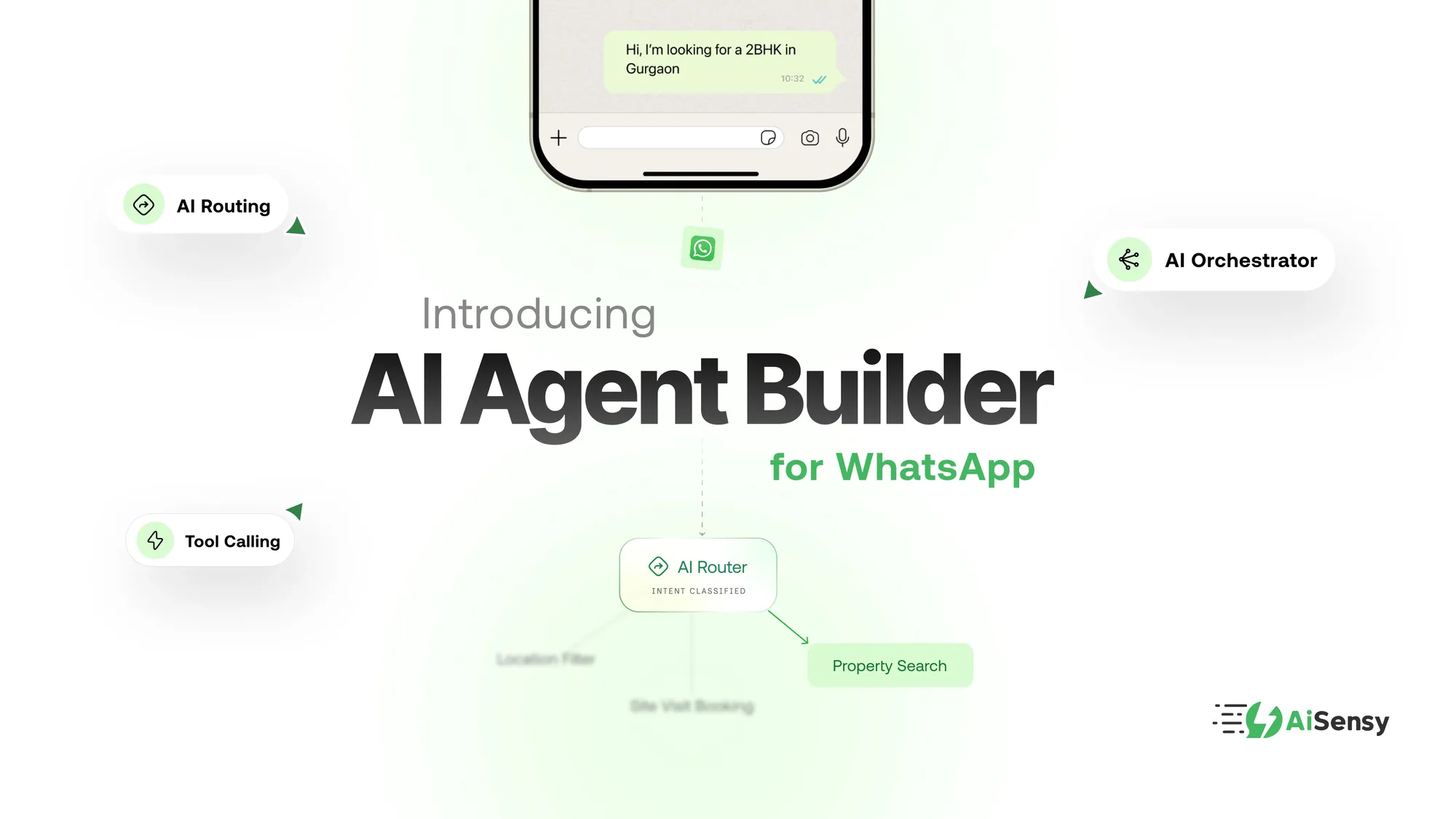
Create professional WhatsApp catalogs, automate orders with AI, and turn every conversation into a sale. All in one place with AiSensy.
⚡️Powered by Official WhatsApp Business API

WhatsApp Catalog:
Sell your Products on WhatsApp
Create professional WhatsApp catalogs, automate orders with AI, and turn every conversation into a sale. All in one place with AiSensy.
⚡️Powered by Official WhatsApp Business API
Trusted by 210,000+ Businesses across 68+ Countries
















































What is a WhatsApp Catalog?
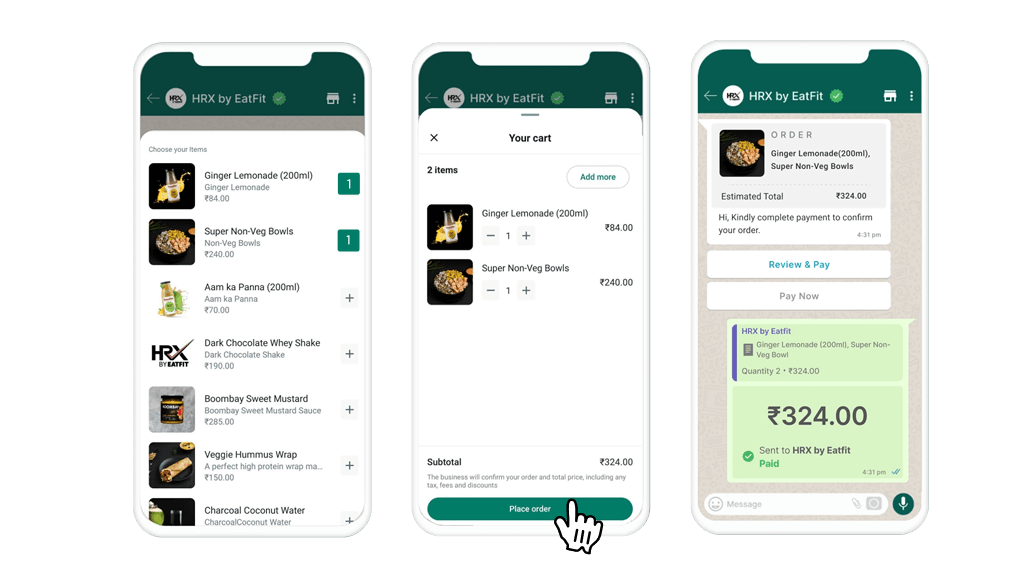
WhatsApp Catalog allows businesses to create and share catalogs of their products and services directly through WhatsApp. Customers can browse your catalog, and even make purchases without ever leaving WhatsApp.
Professional storefront
Organize up to 500 products with high-resolution photos, detailed descriptions, and up-to-date pricing.
Faster orders
Customers select items and send them directly in the chat. No calls, no back-and-forth. The buying process is up to 3x faster.
AI automation
With AiSensy, an AI agent answers catalog questions 24/7, qualifies leads, and completes orders automatically.
Why Connect you WhatsApp Catalog to a WhatsApp Business API Account (WABA)?
If you’re running a larger operation or want more control and automation, the WhatsApp Business API is a better choice. Unlike the standard app, the API allows for:
Scalability
Show more items and handle more complex queries without the app's restrictions.
Automation
Integrate with CRM systems and automate everything from order confirmations to inventory updates.
Advanced Analytics
Get detailed insights into customer behavior, helping you make informed decisions.


How to Enable WhatsApp Catalog via AiSensy
Steps enable WhatsApp Catalogs via WhatsApp Business API with AiSensy
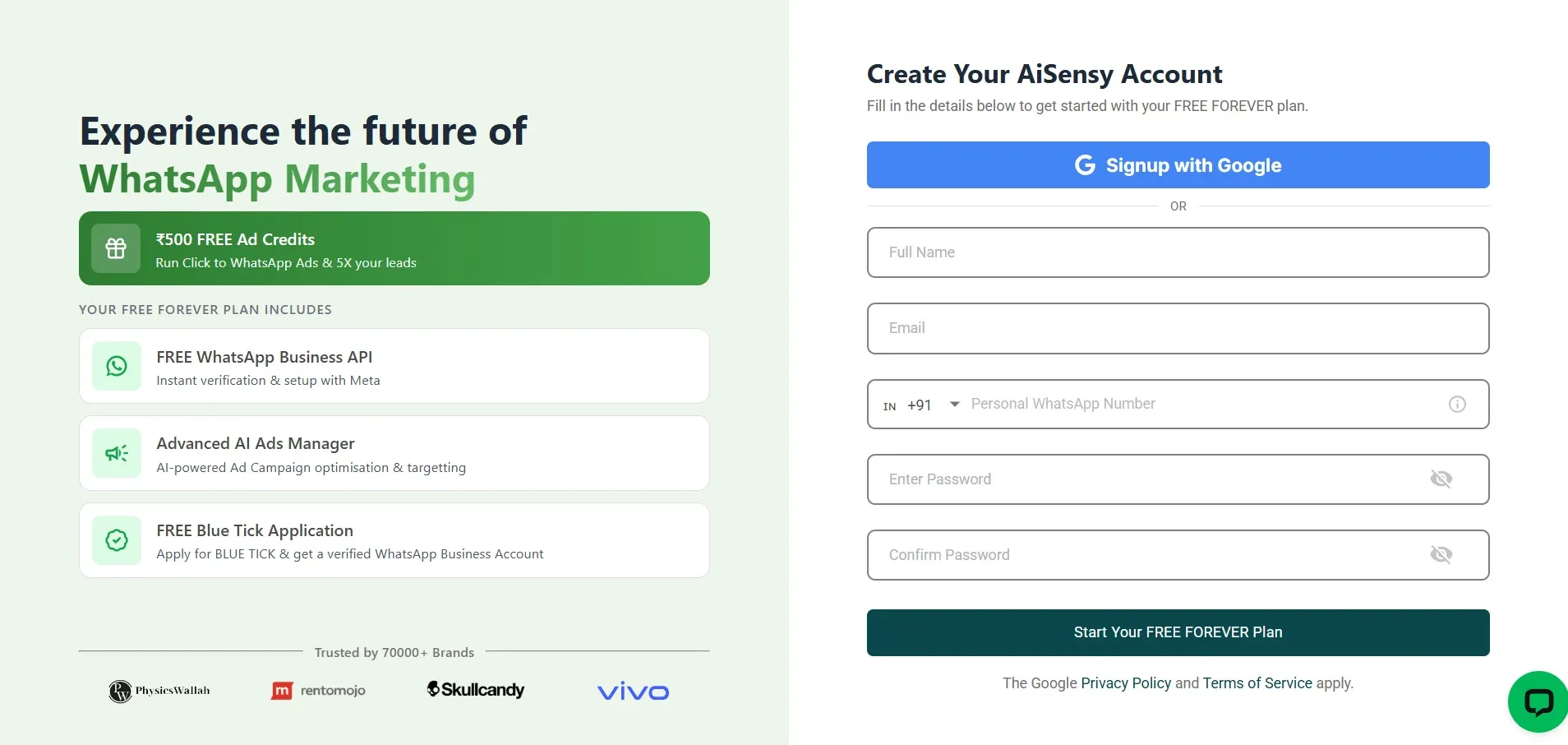
Create a AiSensy Account and Apply for Free WhatsApp Business API
Sign up at AiSensy.com and complete your profile.
In your AiSensy dashboard apply for WhatsApp Business API and and submit your business details.
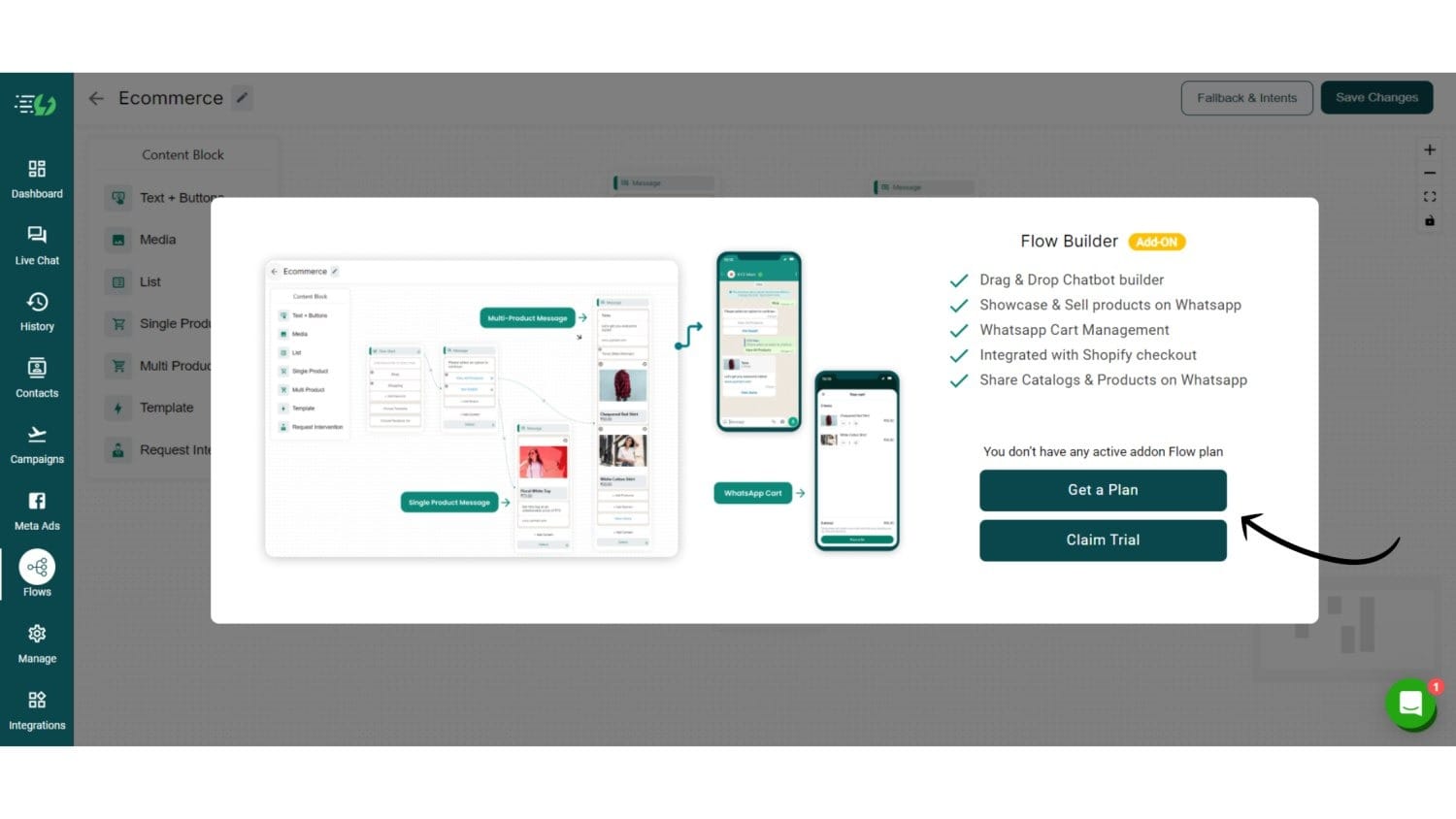
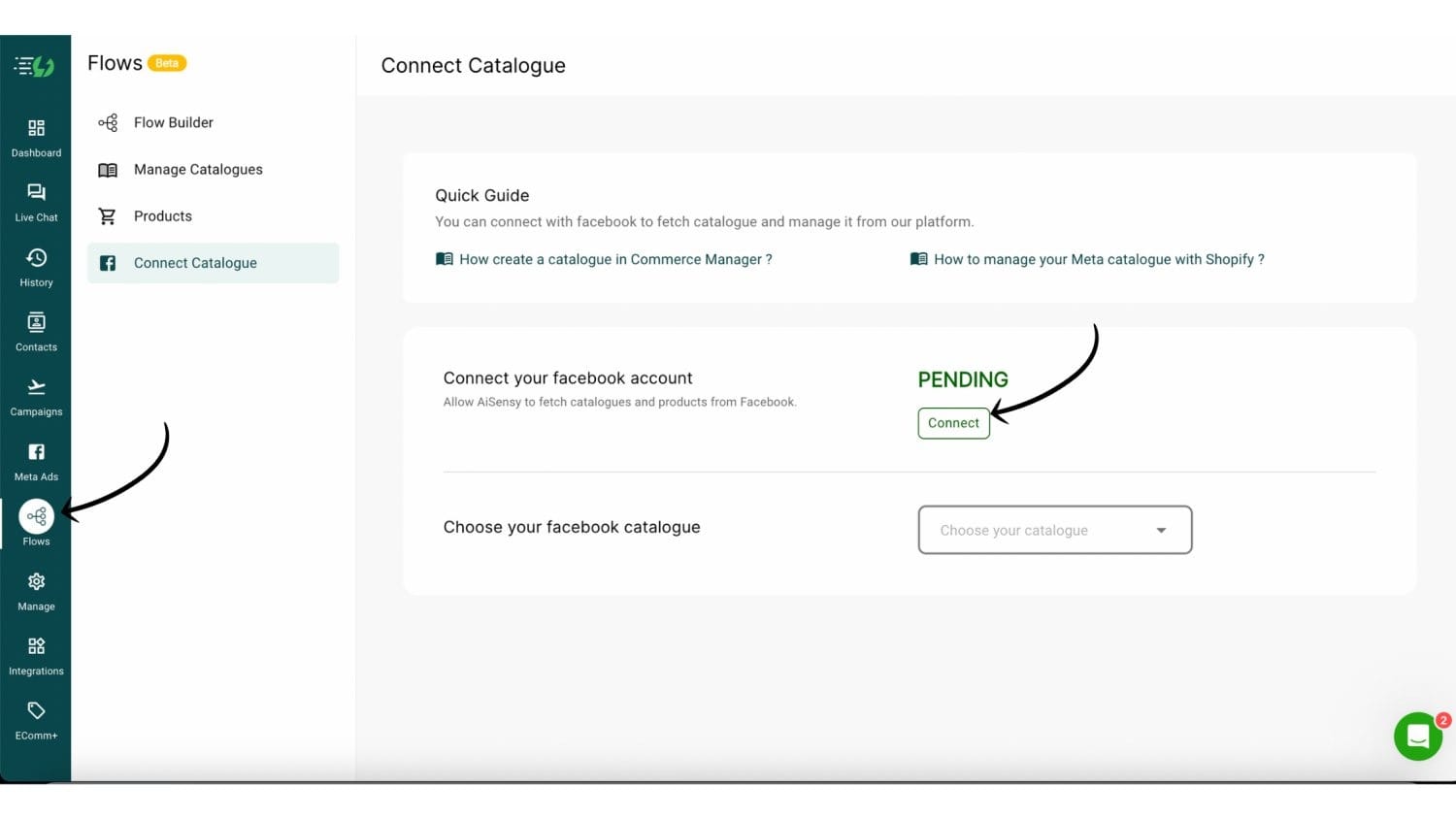
In "Flows," navigate to "Connect Catalog" and link your Facebook Business account. Ensure your catalog is already created in Facebook.
Link Your Catalog to WhatsApp
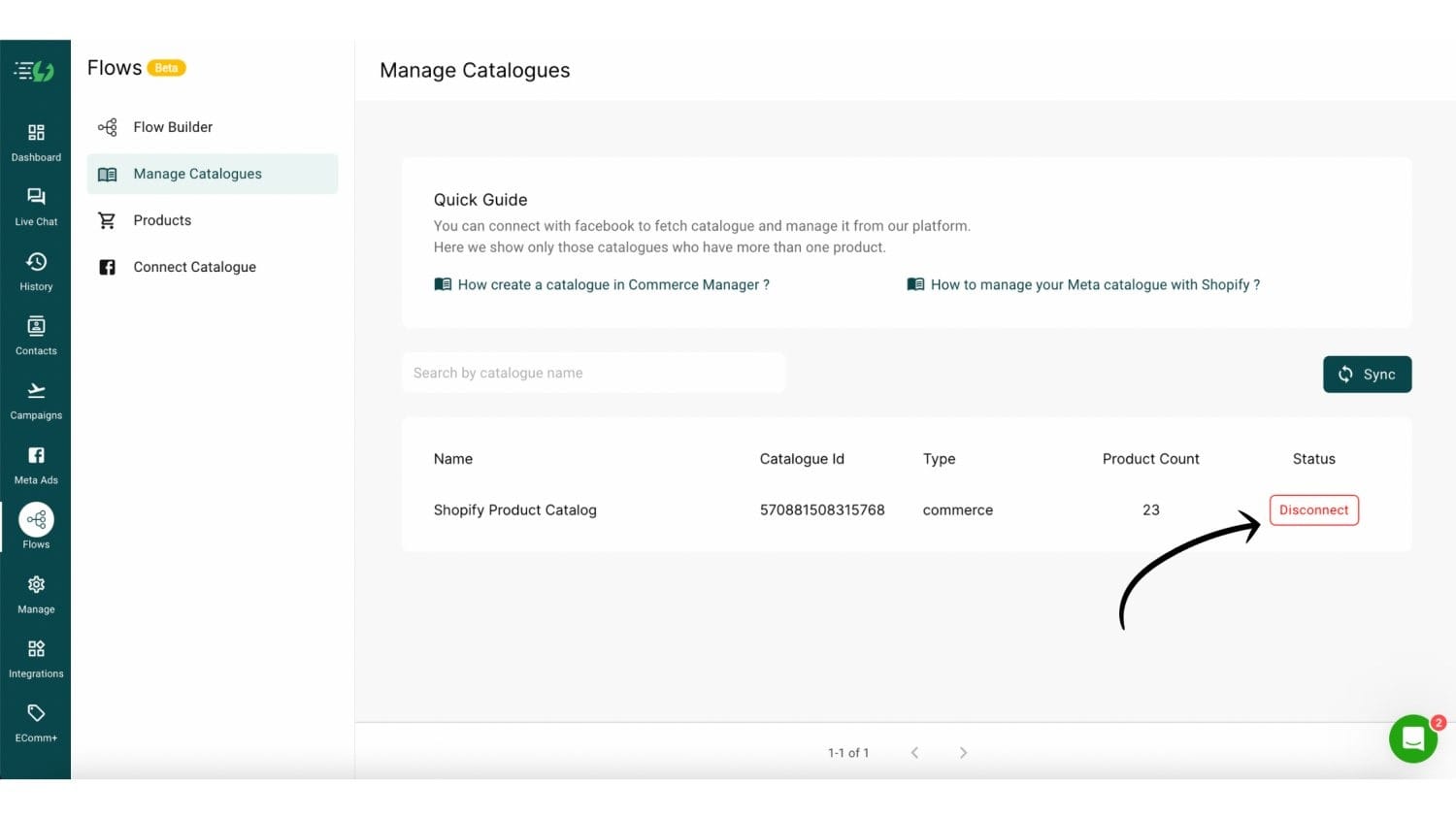
Go to "Manage Catalog" in Flows and connect the Facebook catalog you wish to use.
Go to Product & edit the listed products (Optional)
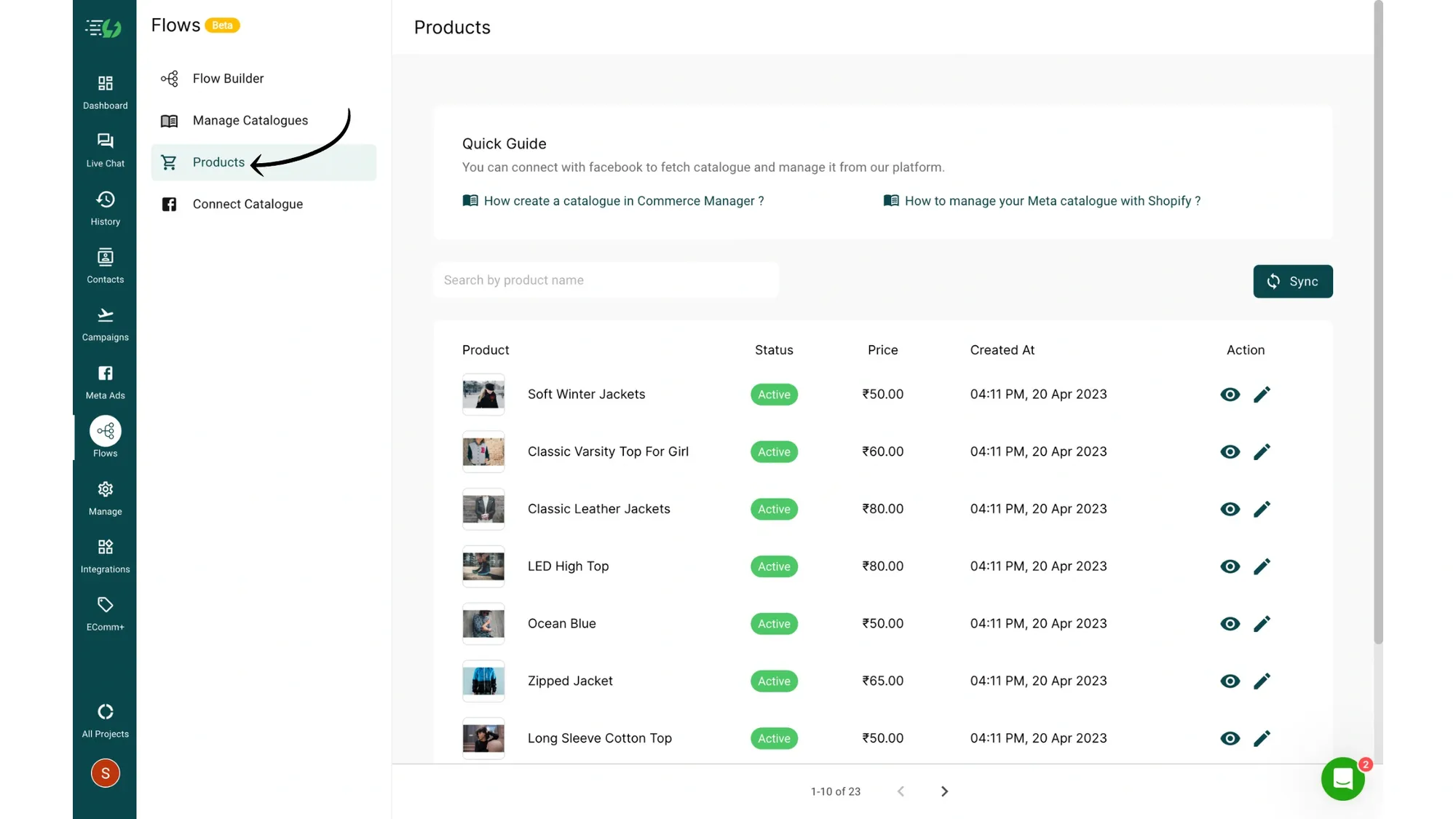
Next, go to the Products section, which includes all the products listed in your Shopify account.
If you want, you can edit these products by clicking the pencil icon.
Clicking the pencil icon will take you to Shopify from where you'll be able to edit these products.
Create a New Flow
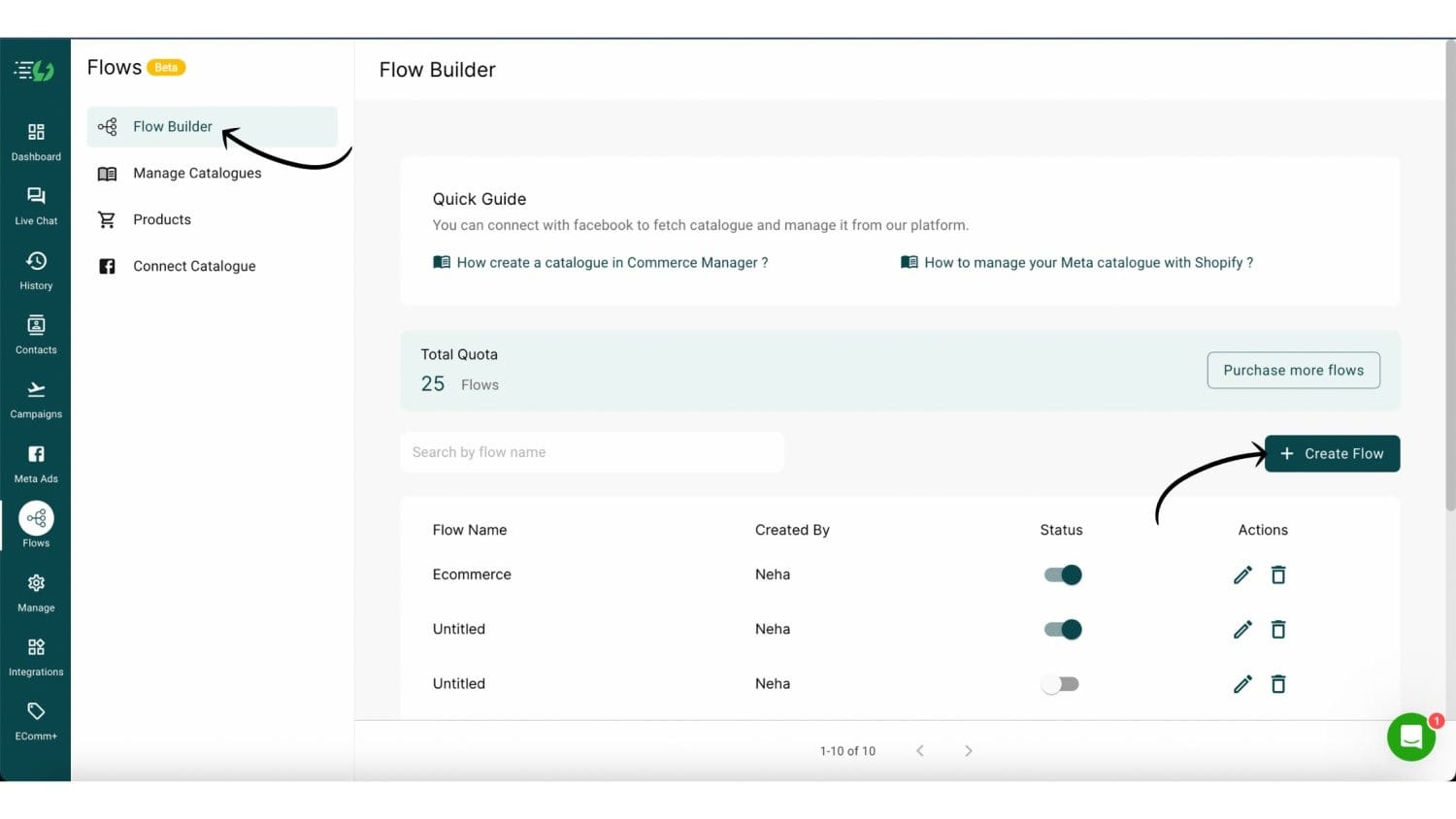
Now, go to Flow Builder and click Create Flow to create the flow for your WhatsApp Catalog.
Set Up Your Trigger — Keywords or AI
Once the Flow Builder opens, you need to define what triggers your Catalog flow.
Option 1 — Keyword Trigger (standard): Add keywords like Shop, Products, Hi that customers commonly send. Whenever a user sends a matching keyword to your WhatsApp number, the catalog flow triggers automatically.
Option 2 — AI Agent Trigger (recommended): With AiSensy's AI Agents, your catalog can be triggered by any customer message — no exact keyword match needed. The AI understands intent, so even a message like "What do you sell?" or "Show me your collection" will open your catalog automatically.
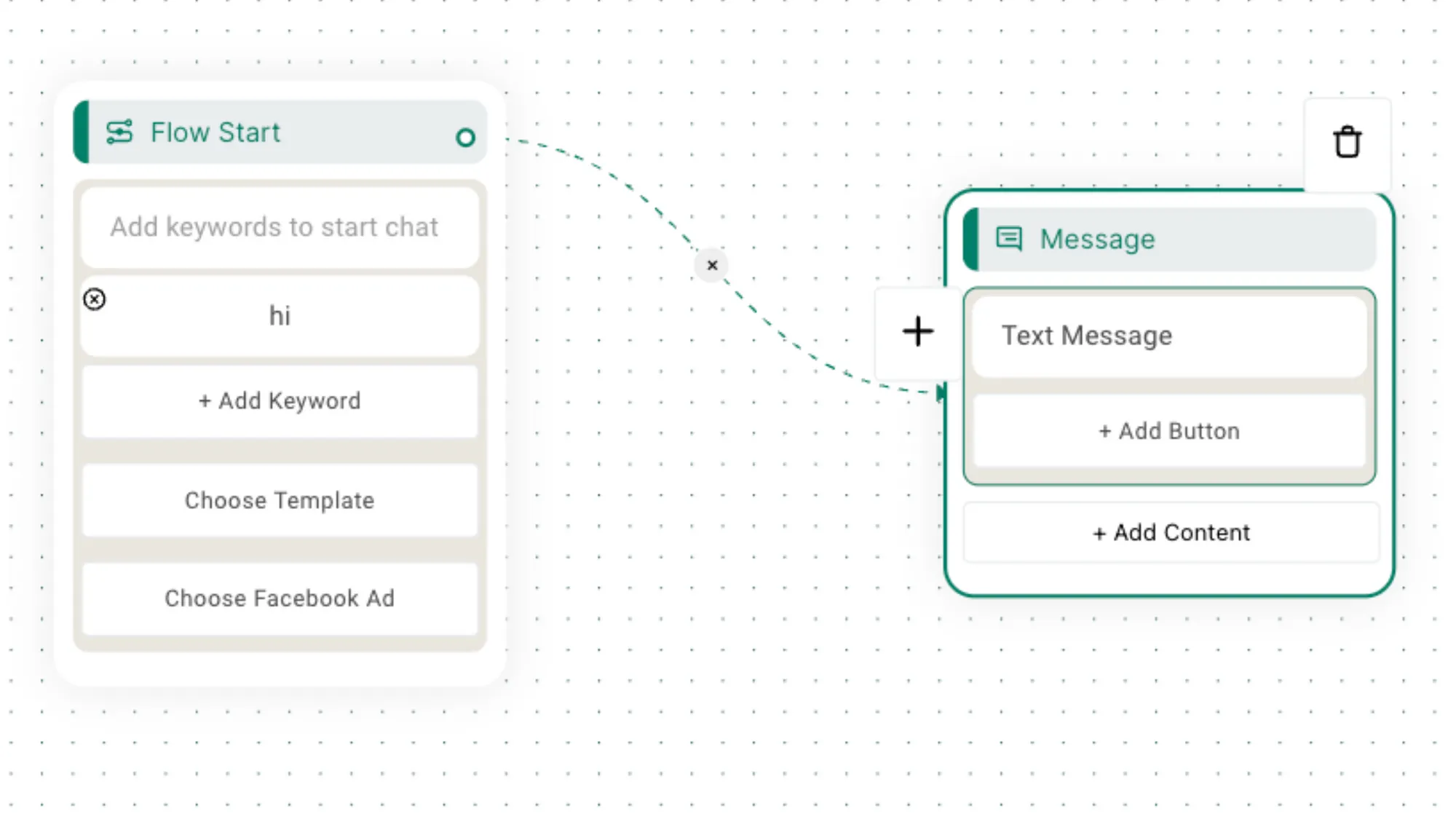
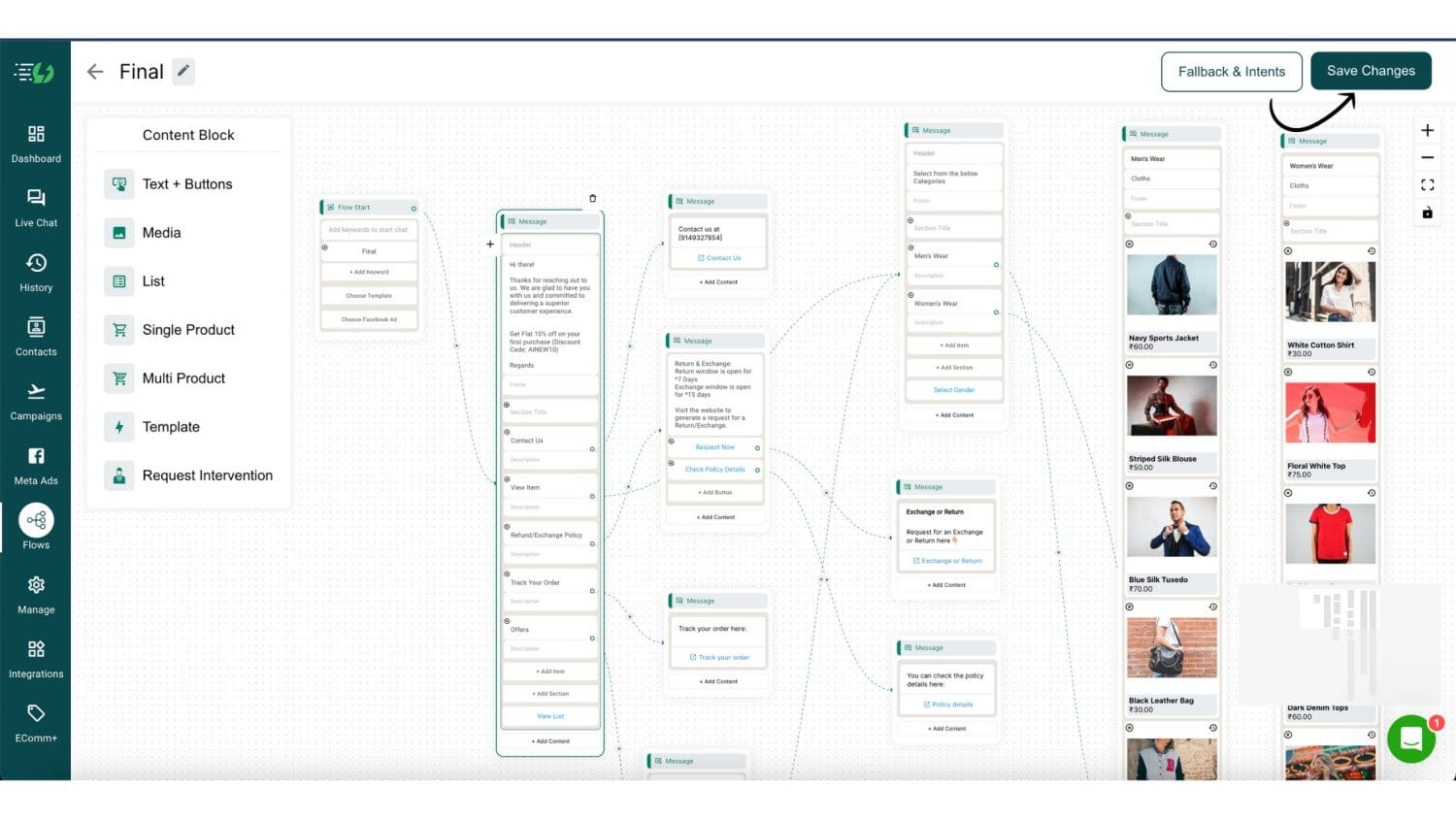
Once satisfied with your flow, click "Save" and enable it to make your catalog live on WhatsApp.
For a detailed guide, check our tutorial:
Take it Further with AI Agents
Connect your WhatsApp Catalog to an AiSensy AI Agent and automate the entire shopping experience.
Unlike keyword chatbots, AI Agents understand natural language. Customers can type anything — "show me shoes under ₹2000" or "do you have this in blue?" — and the AI responds instantly.
What AI Agents can do for your catalog:
Answer product questions in natural language
Recommend items based on what the customer describes
Handle objections and nudge hesitant buyers
Escalate to a human agent when needed